Radio Relay ATAK Plugin 2.0 Radio Settings
Configure the radio for digital mode:
- Turn on the radio
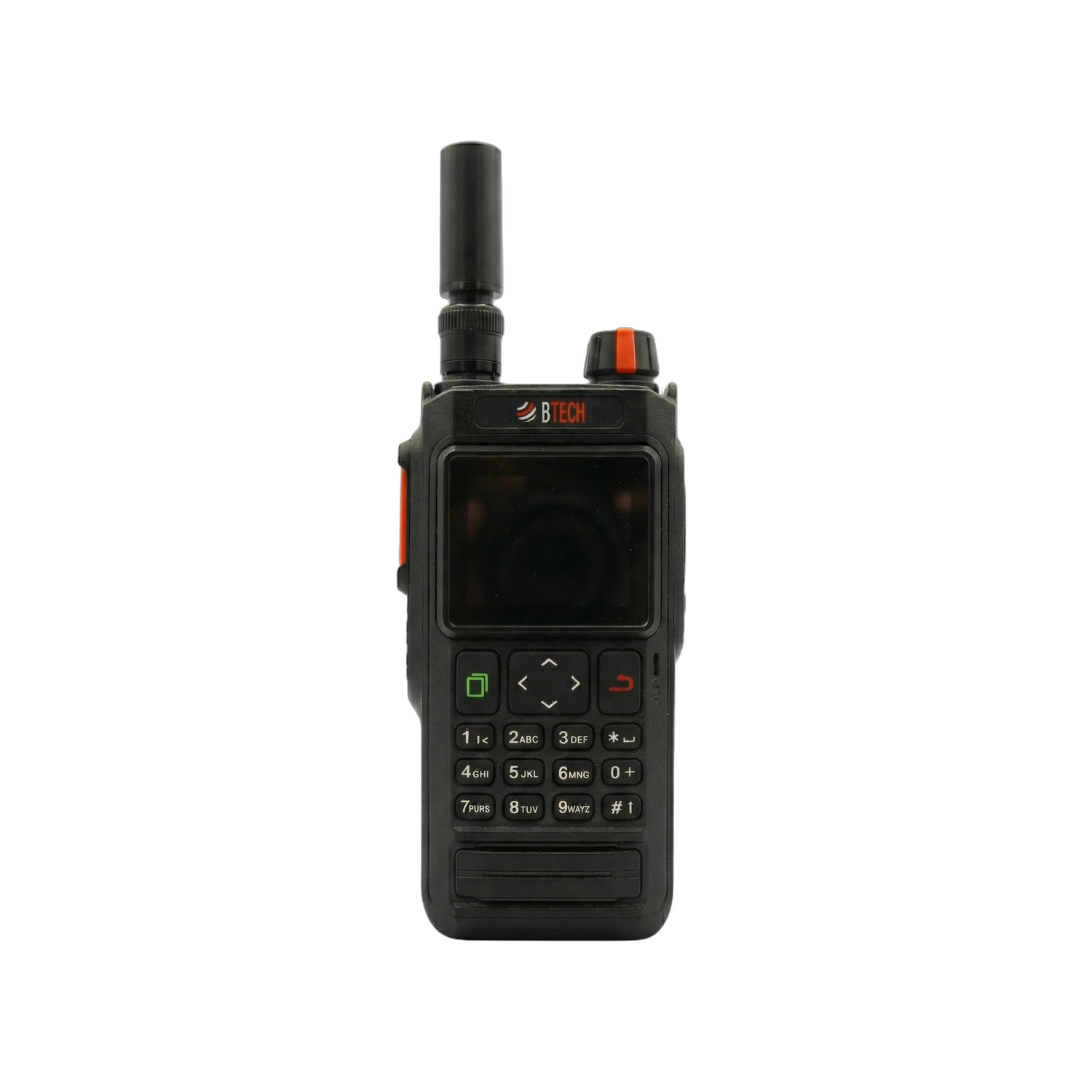
- Press the green button to go into the menu

- Go to General Settings

- Open up Digital Mode

- Check Enable, set your Share location interval to your desired time and make sure format is BSS
- Set Digital Channel to the channel to CURRENT

NOTE: ONLY TURN ON SHARE LOCATION IF THE RADIO WILL NOT BE PAIRED WITH AN ATAK EUD. THE 2.0 PLUGIN DOES ATAK PLI NATIVELY WITHOUT BSS LOCATION SHARE. THIS FUNCTION IS FOR TRACKING RADIOS WITHOUT EUDS ATTACHED.