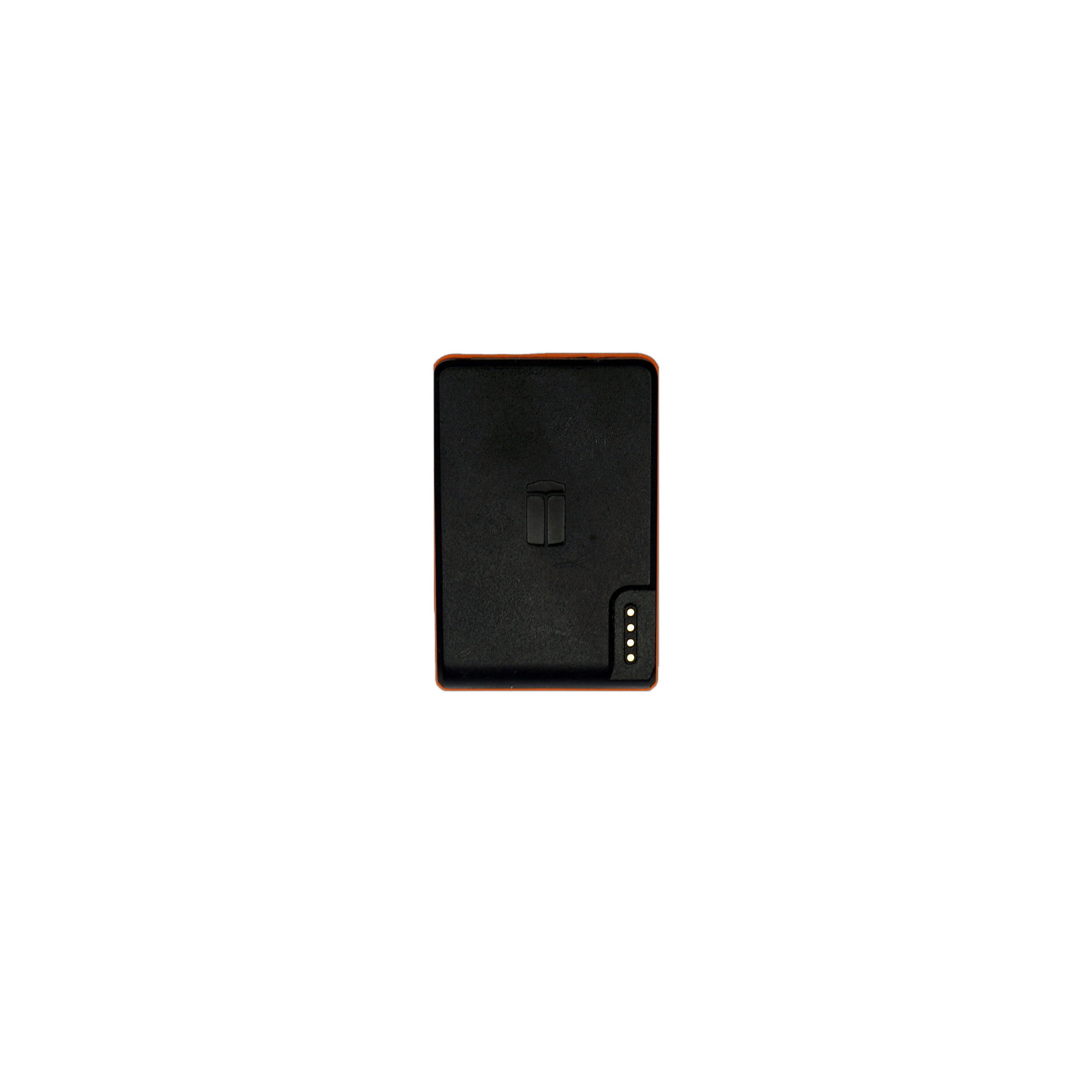
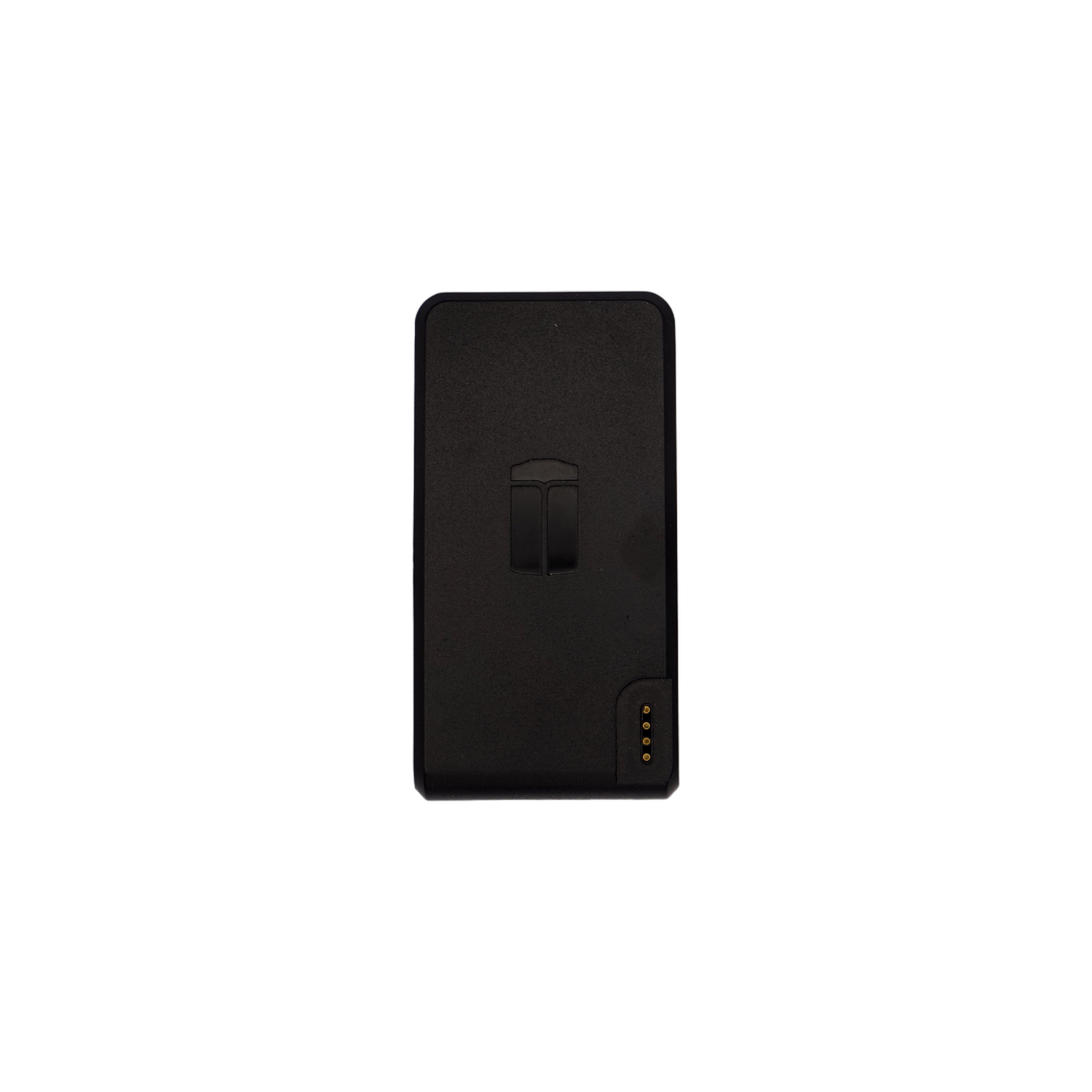
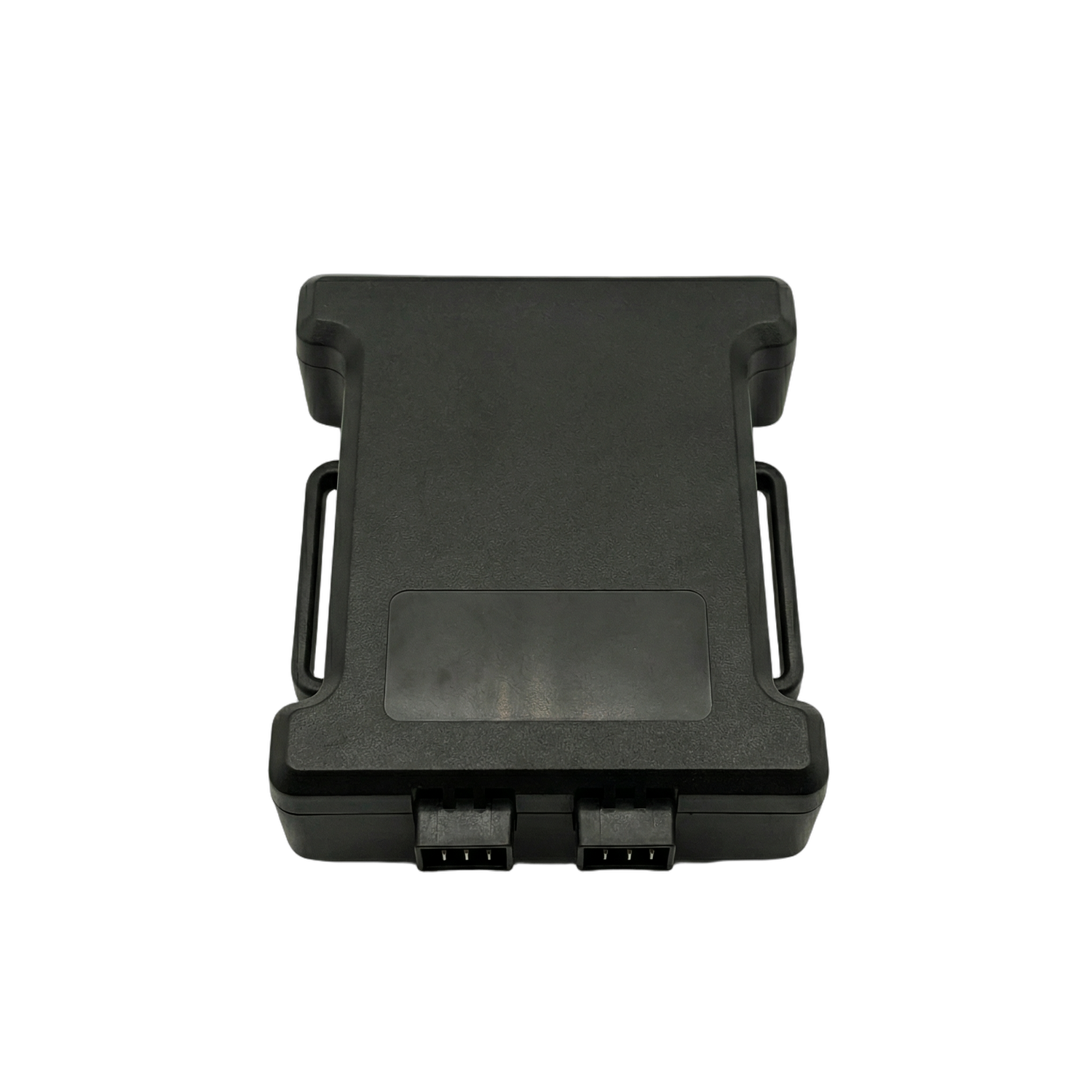
GoTAK Trackers
- Download the GoTAK Trackers plugin from the Google Play Store
- Open ATAK. It will ask if you want to load the plugin. Select yes
- Tap the Hamburger Icon

- Tap the Trackers icon

- Tap the settings icon

- Enter the username and password provided to you

- Set the interval and stale time to your preference
- Select if you want the plugin to connect to the trackers on ATAK start
- Tap Save
- Tap the Connection button to begin connection to the trackers

- After a few seconds your trackers will show up in the list

- Tap the grid icon to change what information is shown