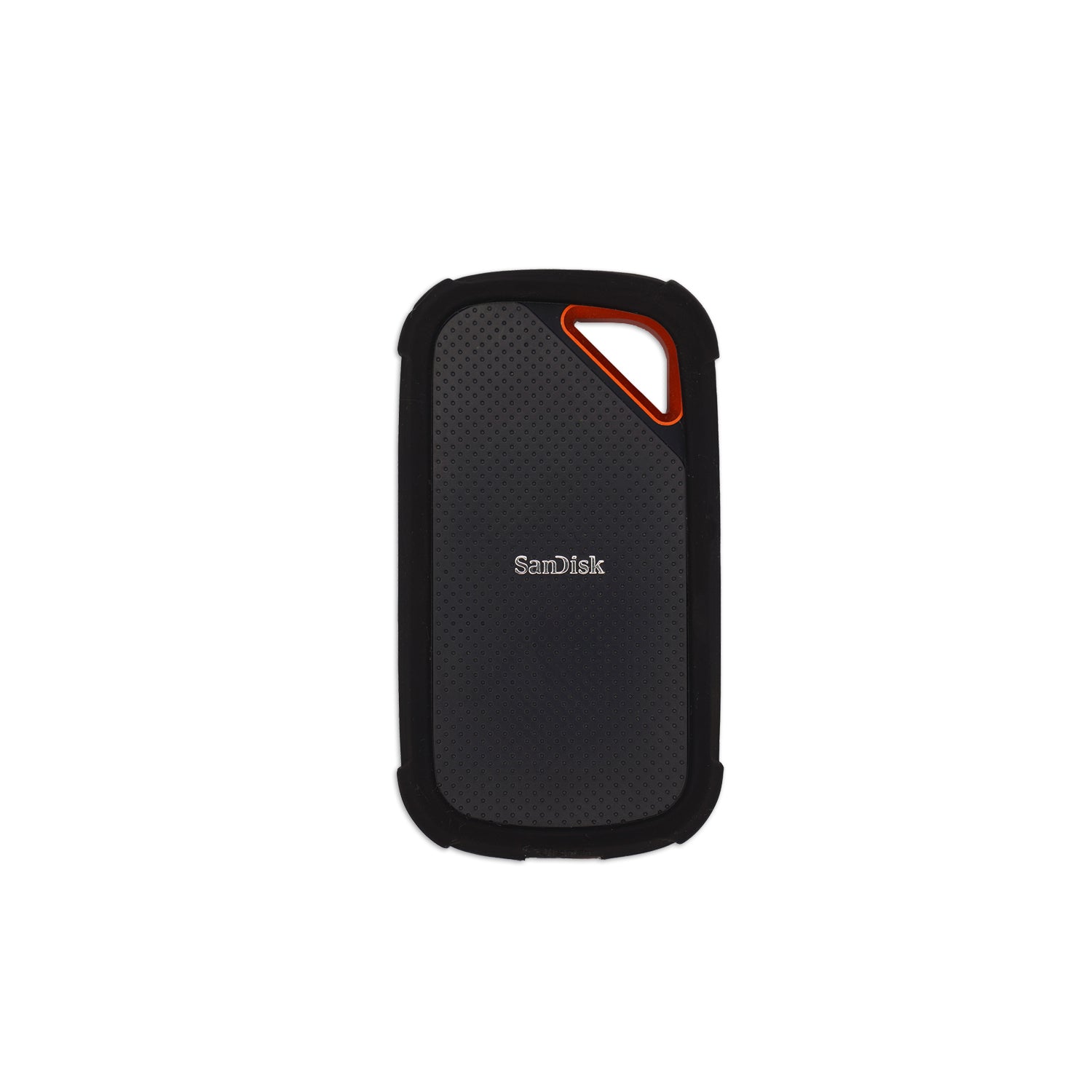
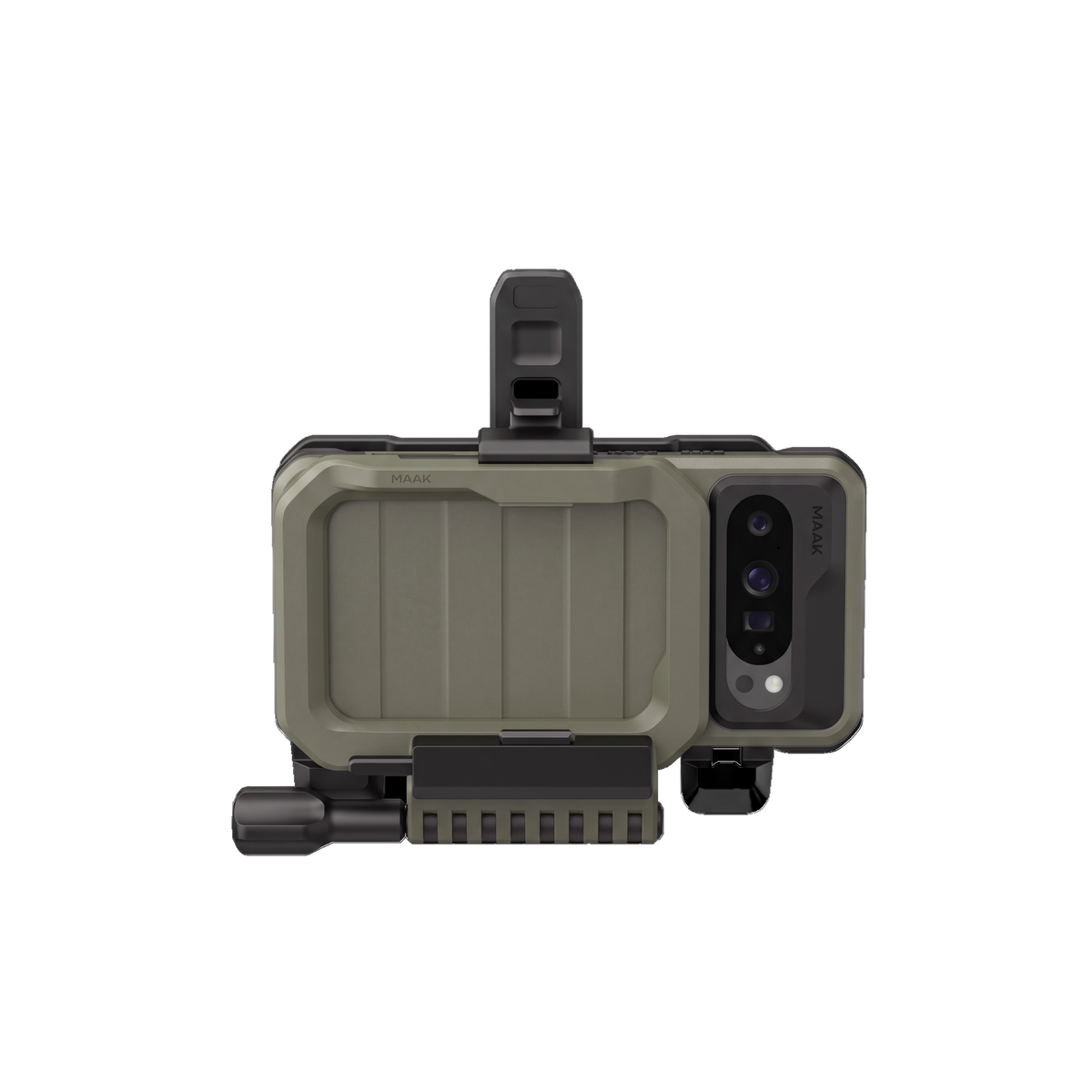
Exfat Mount on EUD (Kiwix / Survival SSD)
- Install the survival SSD module on mrepo
- Reboot the phone
- Download the mount script here Download the unmount script here
- Open the newly installed app Script Manager and allow all permissions
- Tap the three dots at the top and select Import Script - import both scripts to Script Manager
- To mount the drive tap the play button on the mount script - ignore any notification that says format sdcard/drive.
Note: Does not need to be done on GoTAK FALCON as it natively support EXFAT.