eSIM Guide
- For GoTAK EUDs open the OpenEUICC app - if not found please install from MREPO
- For non-GoTAK phones (must be carrier unlocked) download from here
- Insert your eSIM into the device and open the newly downloaded OpenEUICC App
- Tap the plus button in the bottom right corner
- In this menu there will be a qr code icon. Tap that and scan the qr code your service provider gives you to download the eSIM from that carrier
- You can add multiple carriers if you desire
- If you have more than 1 carrier on the eSIM, you can switch them by going into OpenEUICC, tapping the 3 dots next to the carrier you wish to enable and tapping enable
- If using the 5ber.eSIM app you will need to create an account in the app.
- Once you are in the app, tap the plus button in the bottom right.
- Select scan QR code and scan the QR code that your provider gives you when you purchase your plan
Where to buy physical eSIM:
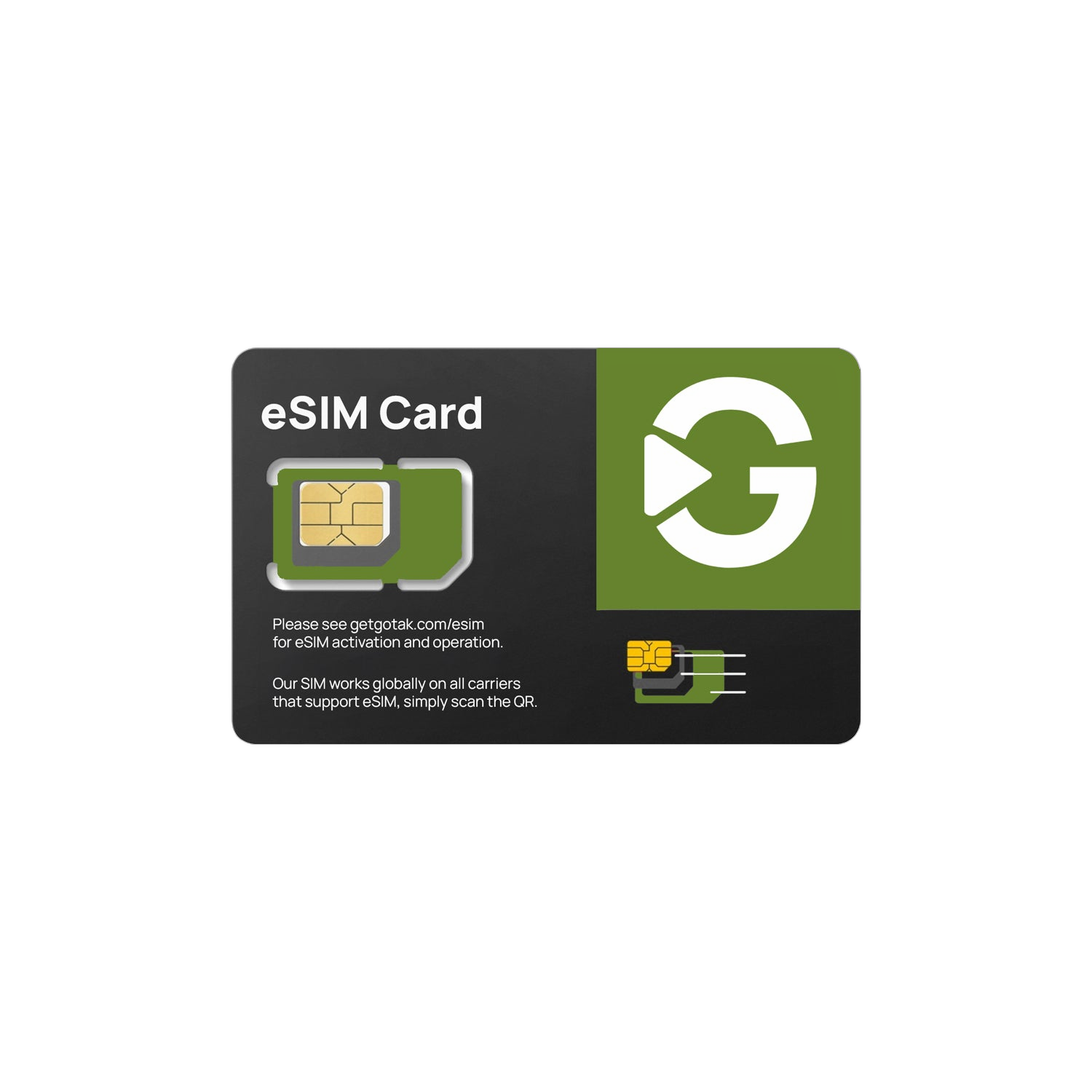
- GoTAK esIM Card - https://getgotak.com/esim
Where to buy eSIM Data Plans:
- GoTAK x REALLY Wireless Data Plans - https://getgotak.com/esim
- esims.io - aggregator of worldwide esim providers https://esims.io/en/
After Opening EasyEUICC After Tapping plus button