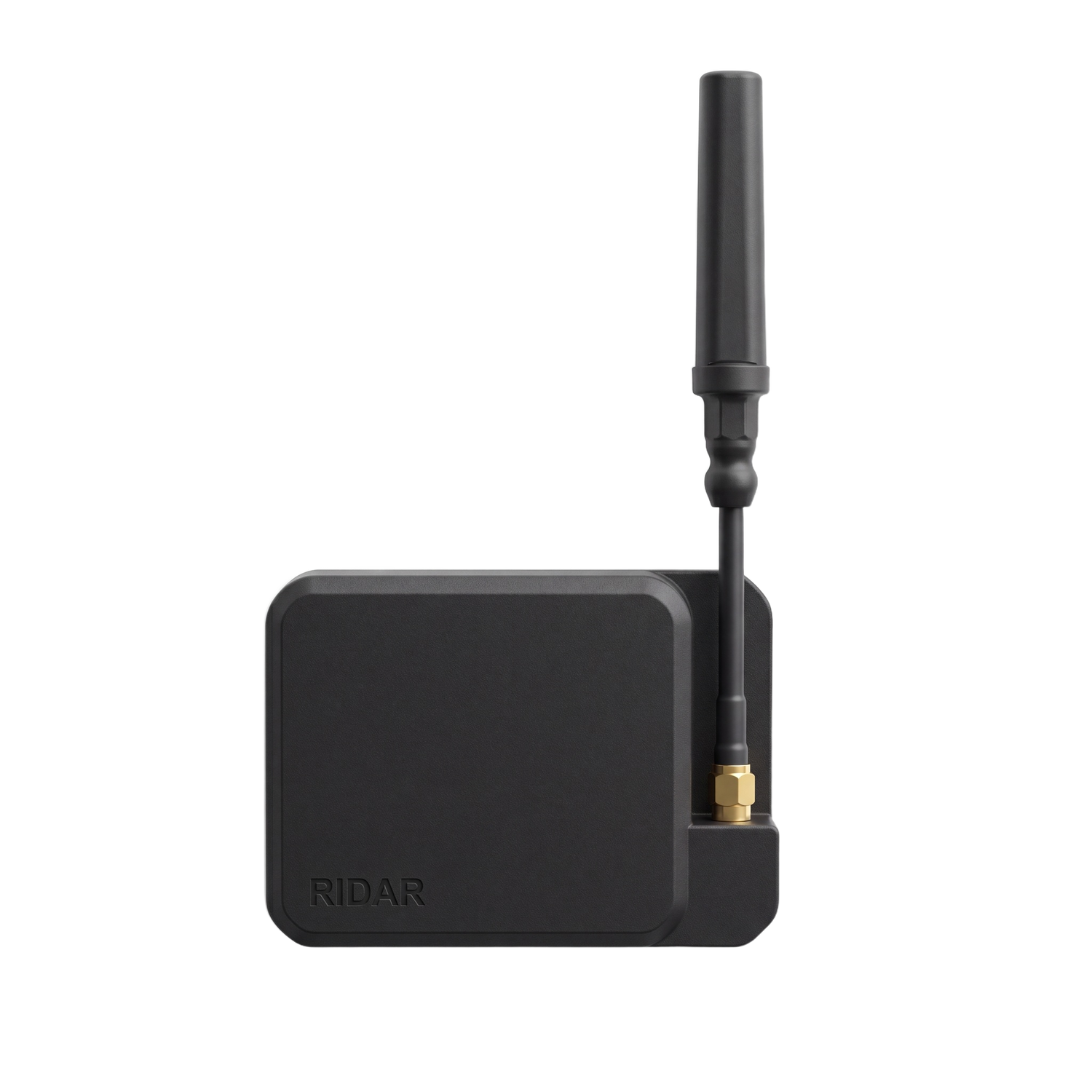
RIDAR Firmware Update
RIDAR Firmware Upgrade Guide
This guide explains how to update your RIDAR device firmware using a web browser.
Requirements
- RIDAR device
- USB-C cable
- Chrome, Edge, or Opera browser (Firefox not supported)
- Firmware file:
RIDAR_v1.2.4_COMPLETE.bin
Step-by-Step Instructions
Step 1: Download the Firmware
Download the latest firmware file from the link provided by the TAKTIVATE portal:
-
File name:
RIDAR_v1.2.4_COMPLETE.bin
Save it somewhere easy to find (like your Desktop).
Step 2: Open the Web Flasher
Go to: https://esptool.spacehuhn.com/
Step 3: Connect Your RIDAR
- Plug your RIDAR into your computer using a USB-C cable
- Click the Connect button on the web page
- Select your RIDAR device in the popup (e.g., "USB Serial", "CP210x", "CH9102")
- Click Connect
If you don't see your device:
- Try a different USB cable
- Try a different USB port
- Make sure no other program is using the serial port
Step 4: Select the Firmware File
Set the address list to look exactly like this 0x0
- Click Choose File or Browse
- Navigate to the saved
RIDAR_v1.2.4_COMPLETE.binfile - Select the file
Step 5: Flash the Firmware
- Click the Flash or Program button
- Wait for the progress bar to complete (about 30–60 seconds)
- You will see “Done” or “Success” when finished
Step 6: Verify the Update
- Disconnect and reconnect your RIDAR
- Open the RIDAR ATAK Plugin
- Connect to your RIDAR device
- Confirm that the firmware version shows 1.2.4
Troubleshooting
Device not detected
- Use Chrome, Edge, or Opera (not Firefox or Safari)
- Try a different USB cable (some cables are charge-only)
- Close any serial monitor or terminal programs
Flash fails or times out
- Try lowering the baud rate to
115200 - Hold the BOOT button while clicking Flash
- Try again — sometimes it takes 2–3 attempts
Device not responding after flash
- Unplug and replug the USB cable
- Press the RESET button on the RIDAR
- If still not working, reflash the firmware
Need Help?
Contact GoTAK support: support@getgotak.com
Or join our Discord community.
RIDAR Firmware v1.2.4 - GoTAK